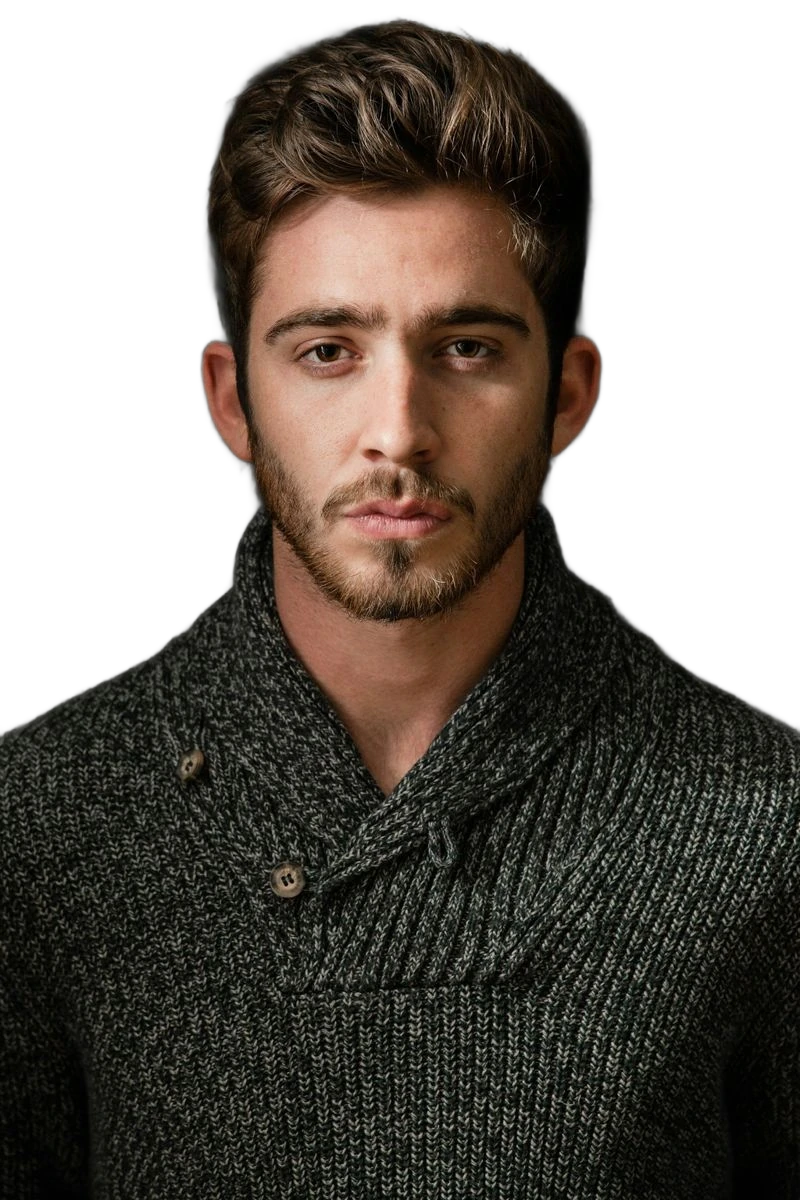
Remove a dark backdrop from your photo and keep the subject on a transparent background. Check the result on a light colour before downloading.
BeforeAfter
‹ ›
Prepared example. Your photo is processed separately; results vary.
YOUR IMAGE STARTS HERE
Choose a photo.
Open it in the editor and make it yours.
or drag and drop it hereJPG, PNG or WebP · Up to 10 MB
Opening your image…
Background removal runs in your browser.
FROM SOURCE TO CUTOUT
A few details make all the difference.
01
Start with the right photo
Start with a photo where the subject is distinguishable from the black backdrop. If a black jacket or hair blends completely into the scene, the model may remove real details. Background removal does not brighten the subject or repair missing edges.
02
Check the important details
Look at dark hair, black clothing and shadowed edges on a light background. A dark fragment can disappear against the original scene while remaining visible in the exported cutout.
03
Choose the final finish
Review your cutout in the editor. Choose transparent or a solid background, then export PNG or JPG for your next use.
BEFORE YOU BEGIN
Good to know.
Can I remove black backgrounds from smoke, sparks or light effects?
EraseBG is designed to separate a foreground subject in a photo. It is not a colour-key or screen-blending tool for smoke, sparks and lighting overlays. Those images may need an editor with blending modes instead.
What if an edge or detail is missing?
Compare with the original and try a sharper photo with more contrast around the subject. The tool cannot restore parts cropped out of the source image.
Can I use this on my phone?
Open the page in your browser and choose an image from your device. Processing time depends on the device and the first model download.